Features
Everything a teacher needs, in one joyful app
Six tools that work together, from the moment you set a task to the moment you see a student improve.
📝 Task CreationTurn every lesson into actionable practice
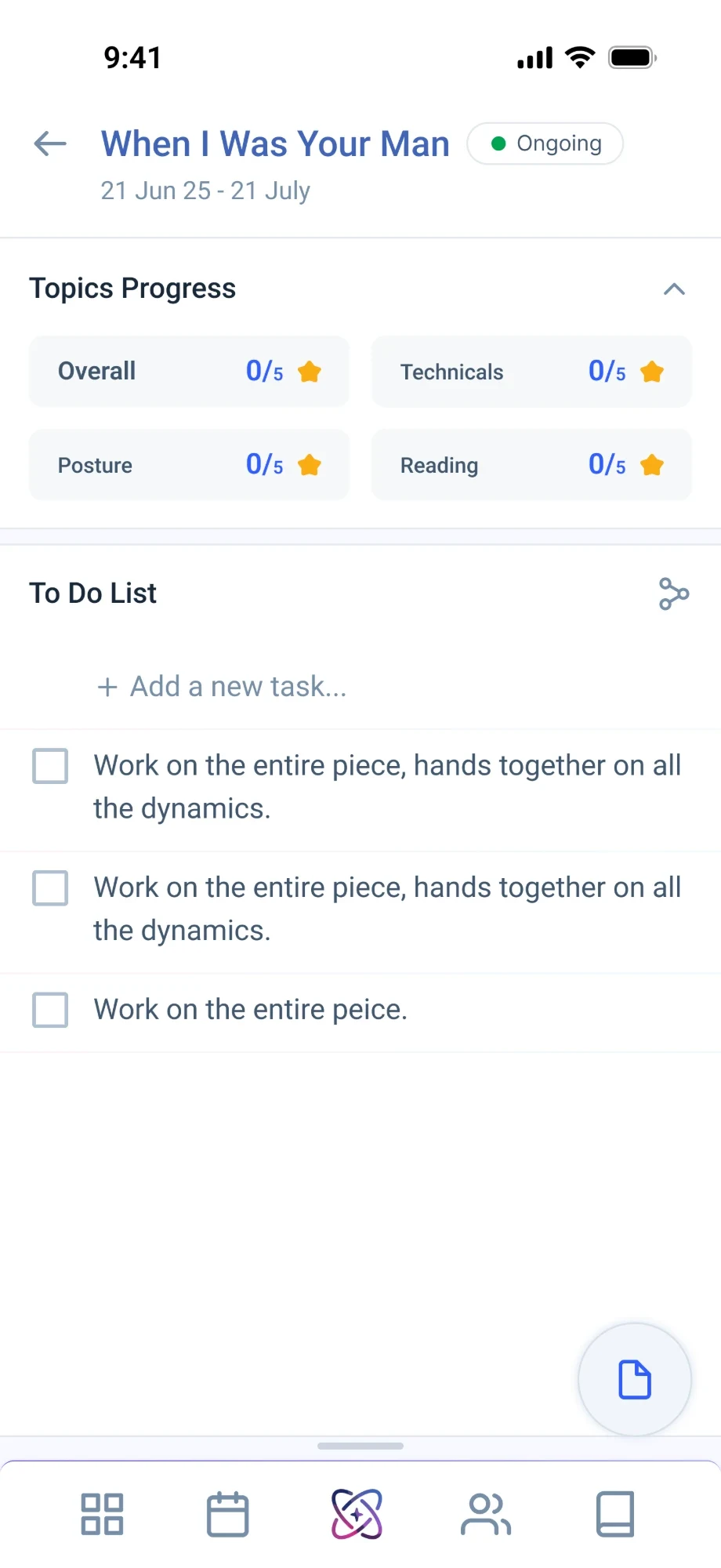
Create tasks and assignments for your students and track their completion. Students work through their assigned activities, while you see what's done and what still needs attention.
- ✓Create tasks and assignments for students
- ✓Students work on assigned activities
- ✓See what's done and what's pending
- ✓Rate each assignment with feedback
⭐ Task RatingRate every task on what matters
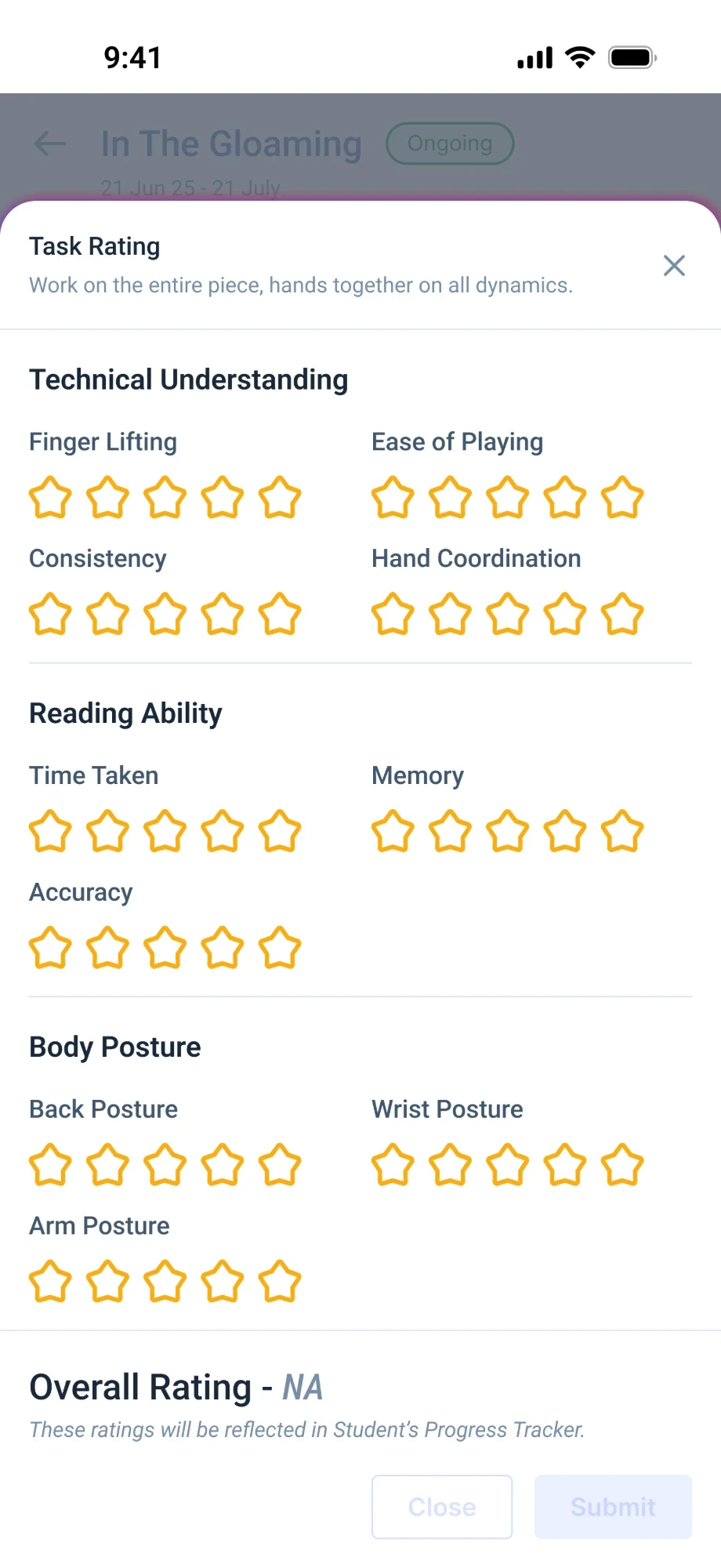
Each task is rated on technique, body posture and reading ability. The average becomes the task's overall rating, which shows up in the student's progress tracker.
- ✓Rate each task individually
- ✓Score technique, posture and reading
- ✓Average becomes the task rating
- ✓Ratings feed the progress tracker
📈 Progress TrackerTrack every student's learning journey
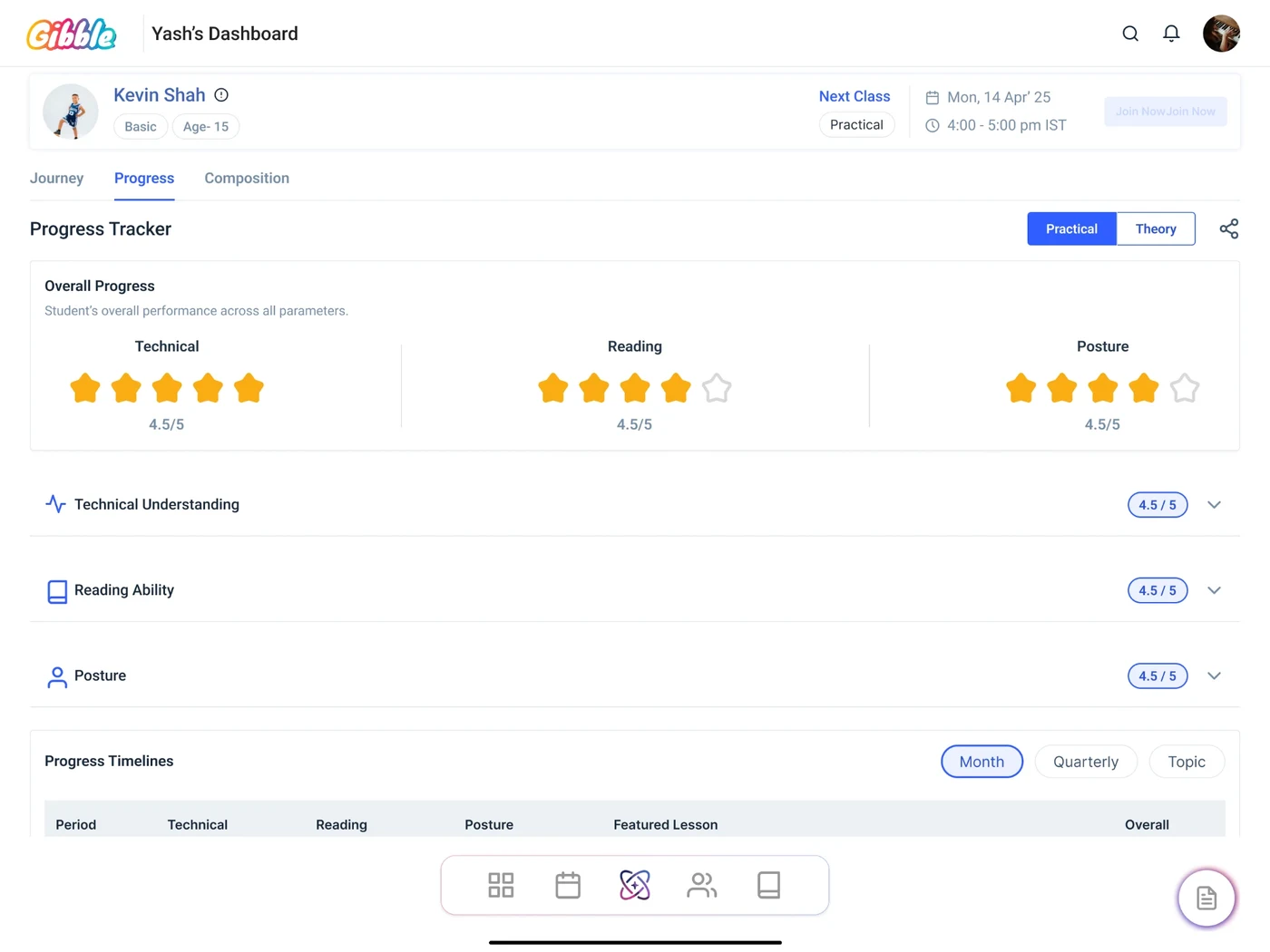
Give every student a structured path to progress. Gibble organises learning across two key areas: practical music and music theory.
- ✓Track practical instrument learning
- ✓Follow practice, tasks and performance
- ✓Teach theory alongside practical lessons
- ✓Build technique and understanding
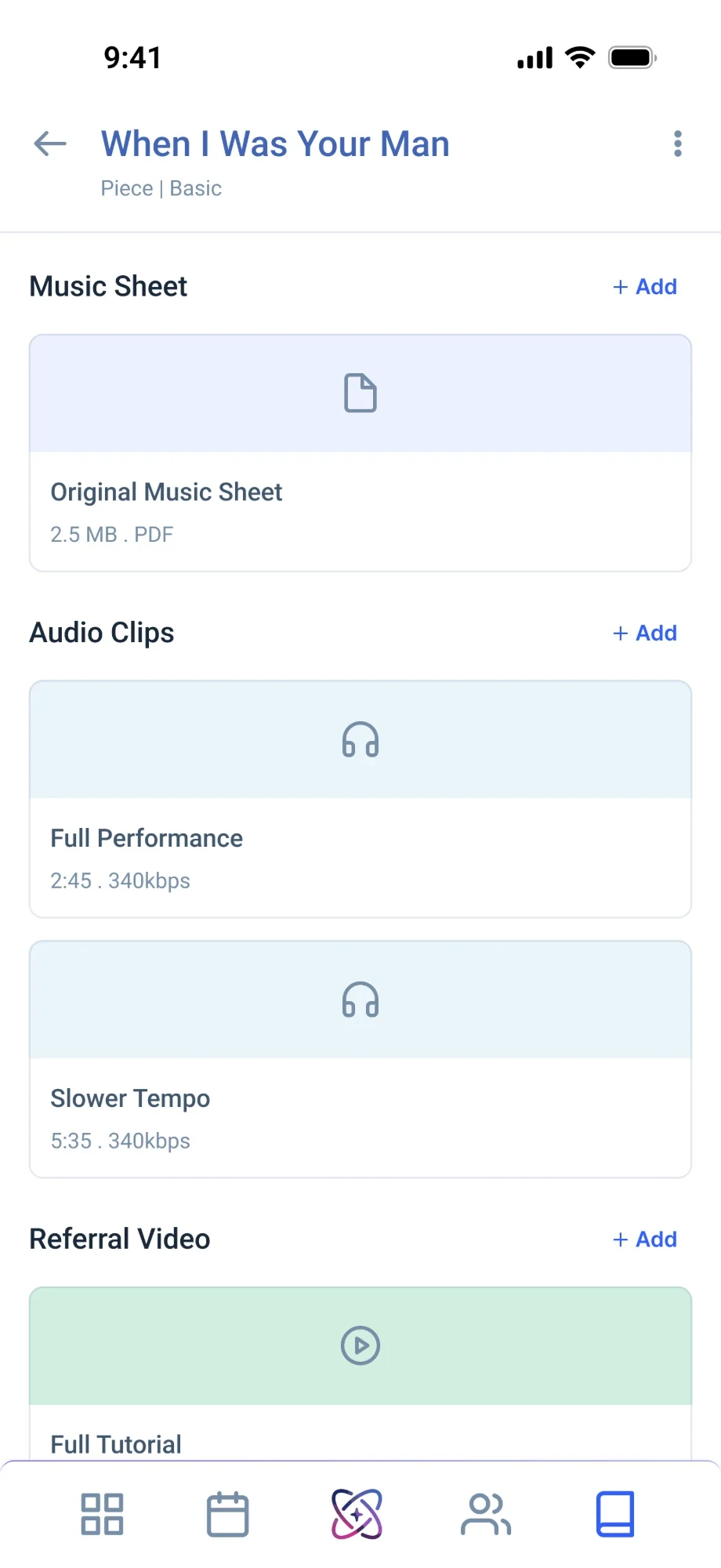
🎼 Music LibraryBuild your own music library
Create a centralised library for your teaching resources. Instead of searching through folders, chats, drives and different platforms, keep all your music resources in one organised space.
- ✓Store sheets, audio and videos
- ✓Keep all your learning materials
- ✓Arrange resources by learning level
- ✓Share materials with students easily
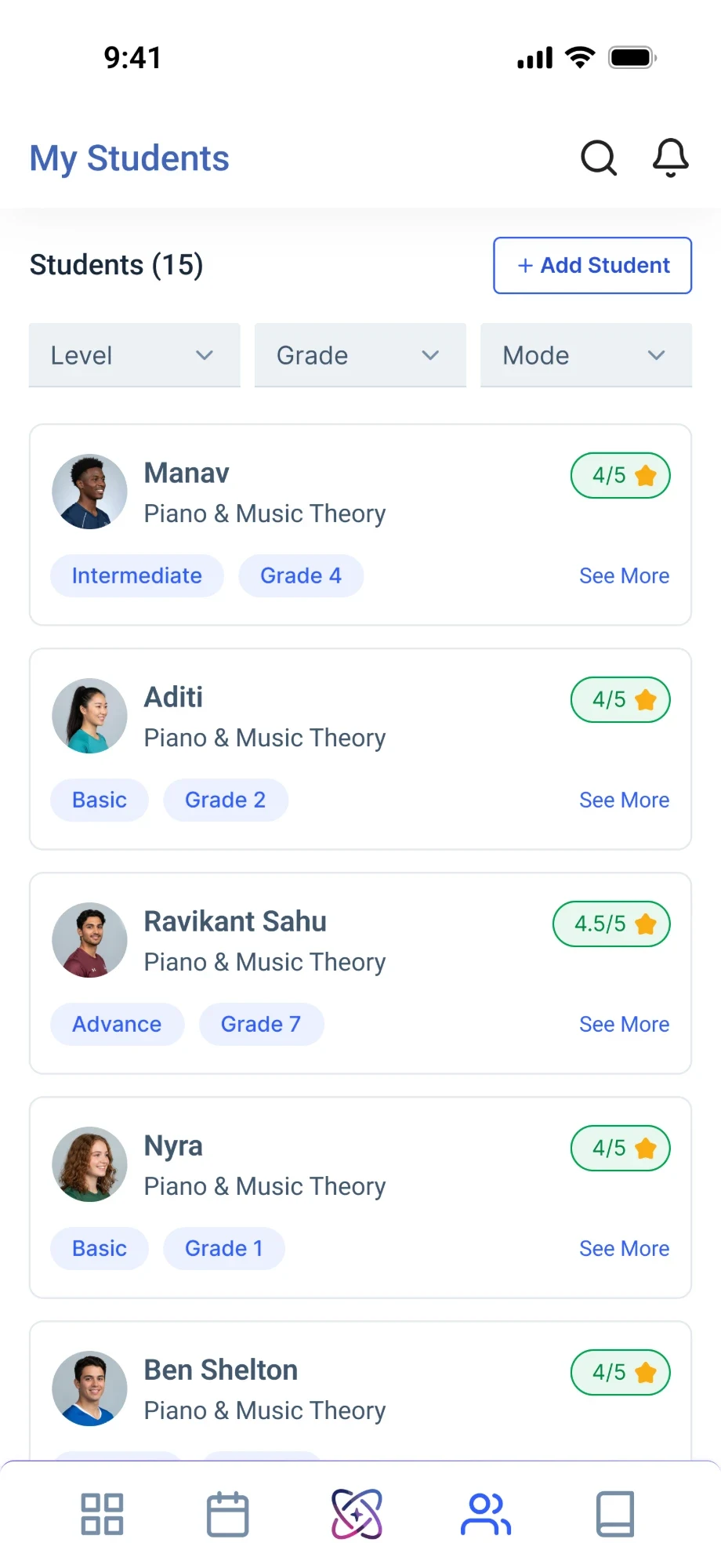
🧑🎓 Manage Your StudentsKeep all your students organised in one place
Whether you teach a handful of students or many, Gibble keeps you organised without scattered notes, spreadsheets or multiple tools.
- ✓Create individual student profiles
- ✓See each student's learning journey
- ✓Track progress, tasks and activities
- ✓Replace notes, spreadsheets and apps
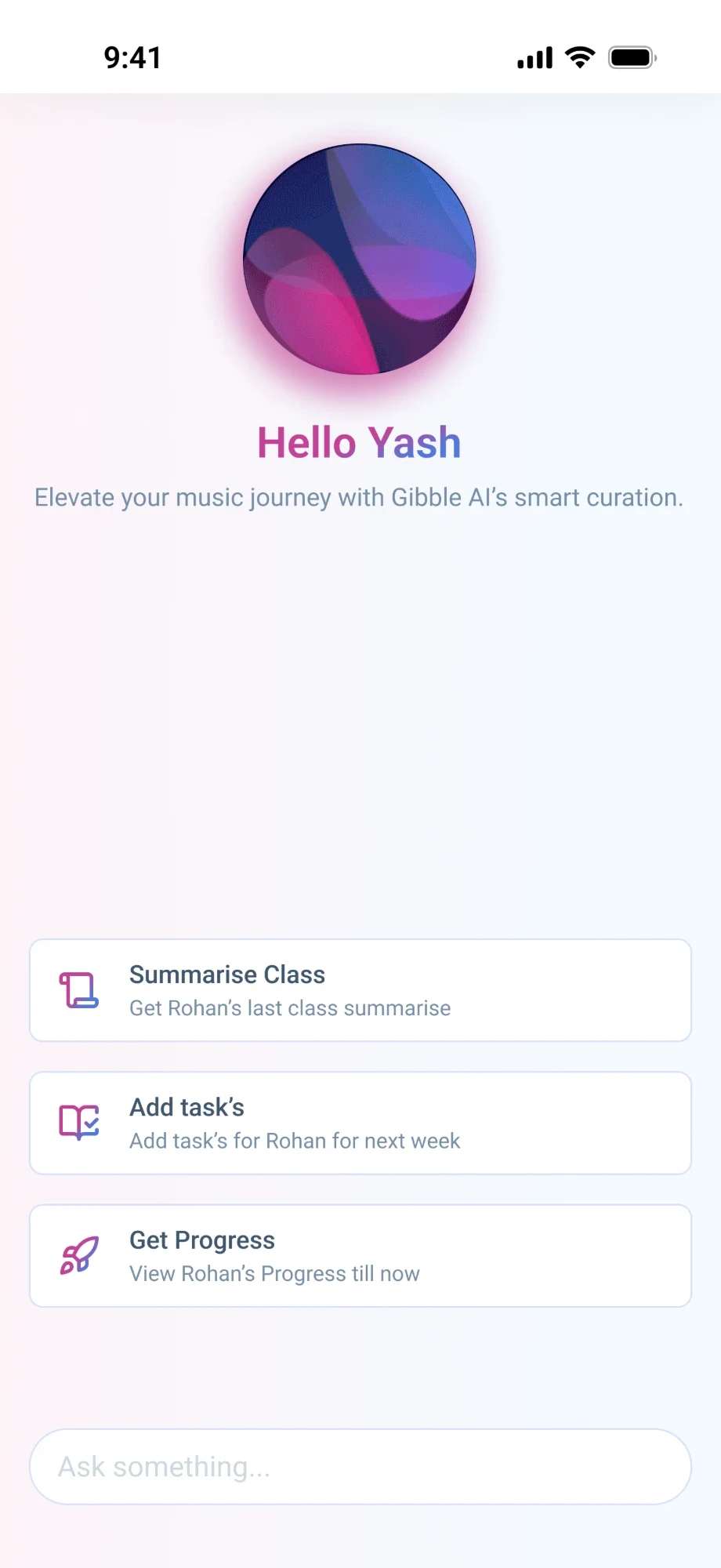
✨ Your AI Teaching AssistantLess time searching, more time teaching
Gibble brings assistive intelligence into your workflow. Ask about students, their learning journey, progress, assignments or classes using voice or text, without moving through multiple screens.
- ✓Talk or type to Gibble's AI
- ✓Ask about students and progress
- ✓Check assignments and classes fast
- ✓Hands-free voice while you teach
Your classroom, on your phone and tablet.
Plan on the tablet at your desk, rate work on your phone in the staff room. Everything stays in sync.
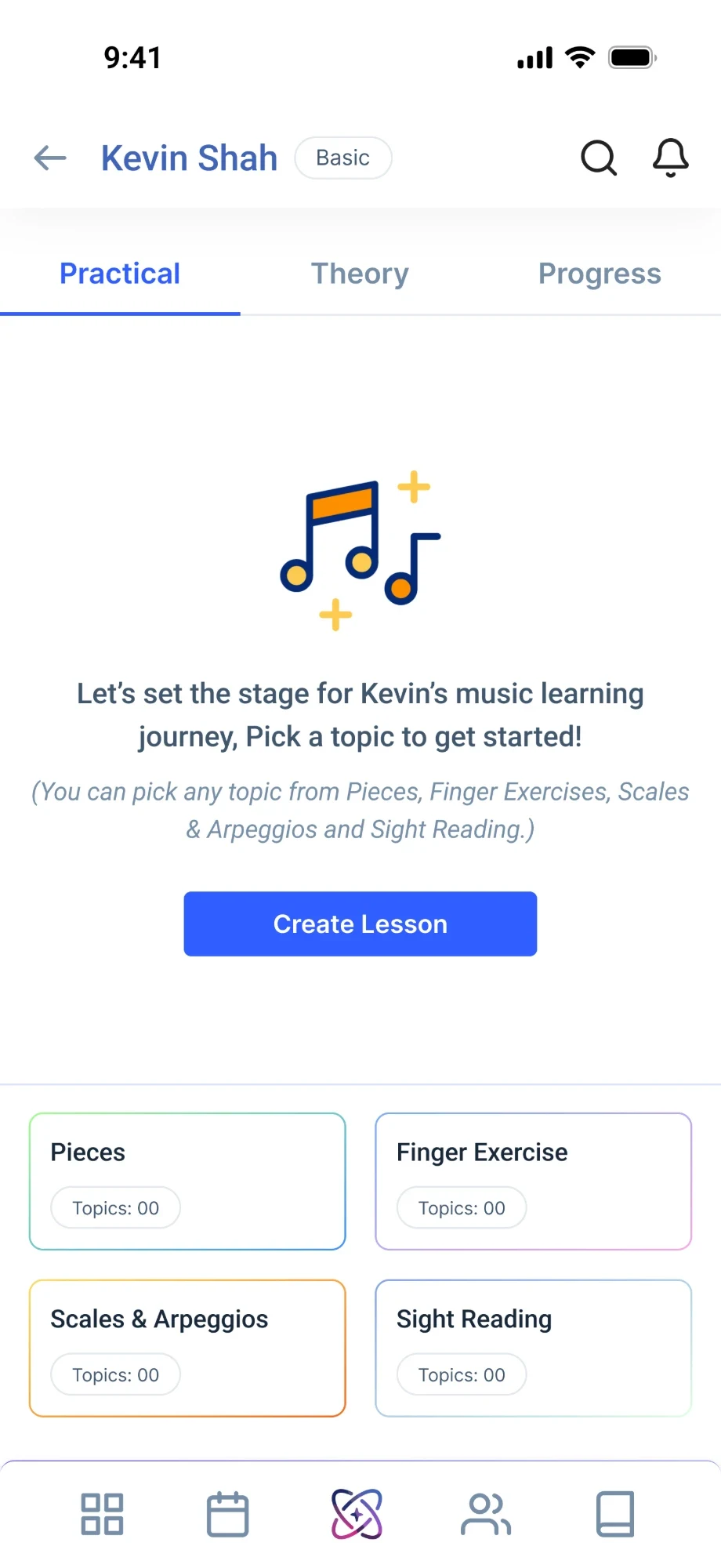
Free to start · iOS & Android · Phone & Tablet
Bring more joy to your classroom.
Download Gibble and set up your first class in under five minutes.