The All-in-One Workspace for Music Teachers.
Classes, assignments, progress tracking, and an intelligent AI assistant to help you manage it all. Structure your teaching and accelerate your students' progress.
Made for every Instrument
- 🎹Piano
- 🎼Theory of Music
- 🎸SoonGuitar
- 🎤SoonSinging
- 🥁SoonDrums
- 🎻SoonViolin
- 🪈SoonFlute
- 🪘SoonTabla
Product features
Why teachers love Gibble
Six simple tools that take the busywork out of teaching, so you can spend more time with your students.
Task Creation
Teachers can create tasks and assignments for students and track their completion.
Task Rating
Teachers can create tasks and assignments for students and track their completion.
Kevin · Für Elise
★★★★★
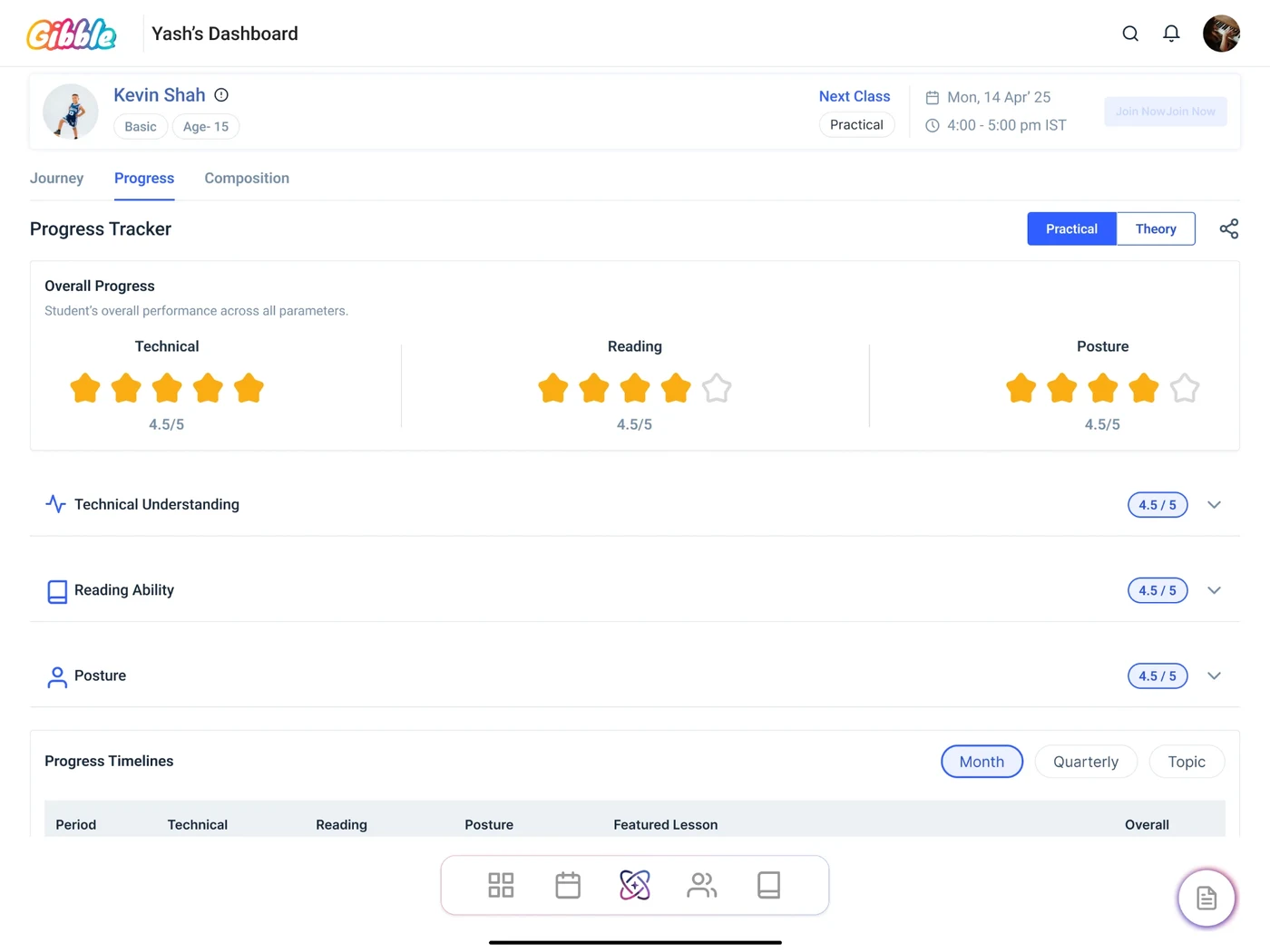
Progress Tracker
Track every student's learning journey. Give every student a structured path to progress.
Music Library
Build your own music library. Create a centralised library for your teaching resources.
🎼
Sheet music🎬
Videos🎧
AudioManage Your Students
Keep all your students organised in one place. Create individual student profiles and access important information.
Your AI Teaching Assistant
Ask about your students, their progress, assignments and classes using voice or text. Less time searching, more time teaching.
🎙️ How is Kevin doing in reading?
Kevin is at 4/5 in reading, up from 3.5 last month. His next class is Monday at 4 pm.
Your classroom, on your phone and tablet.
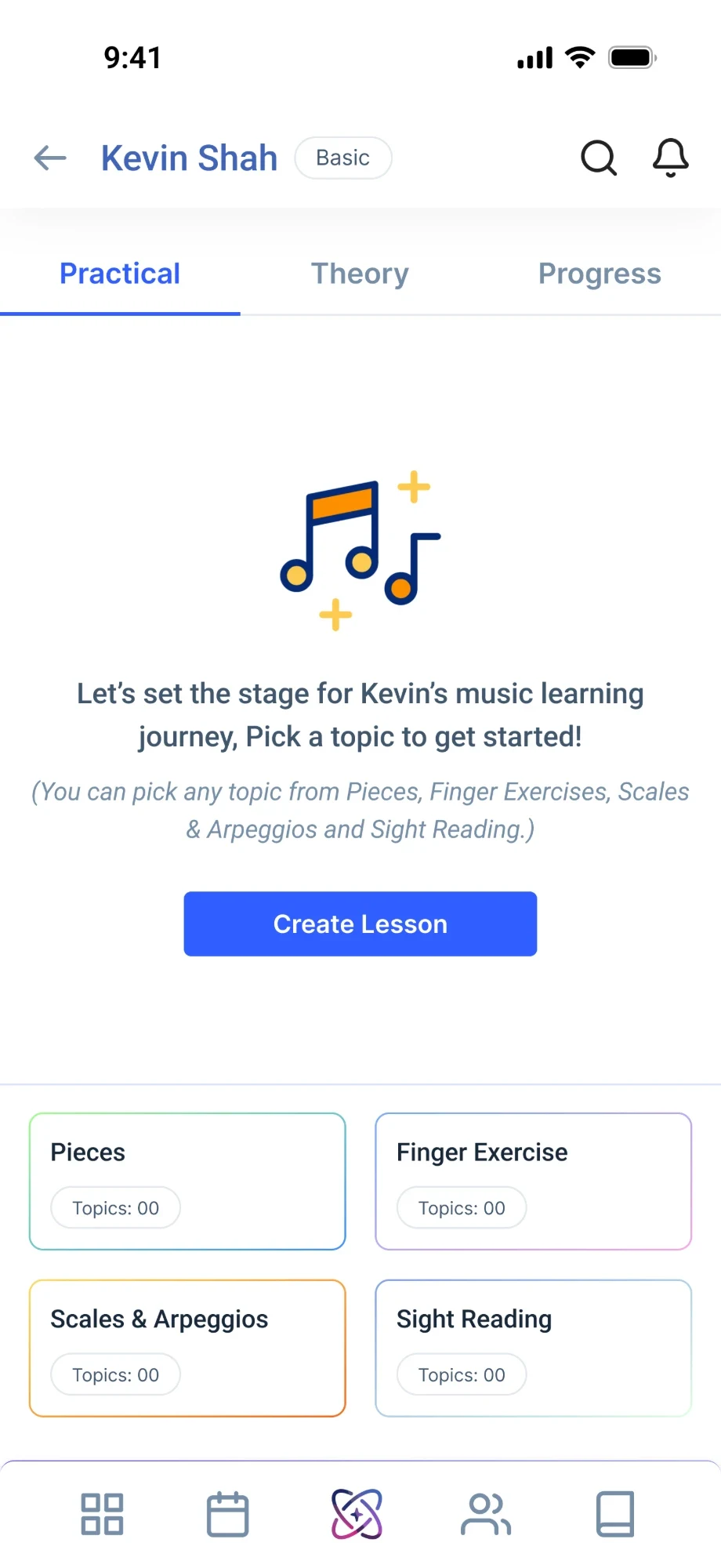
Plan on the tablet at your desk, rate work on your phone in the staff room. Everything stays in sync.
A day with Gibble
What can a teacher do on Gibble?
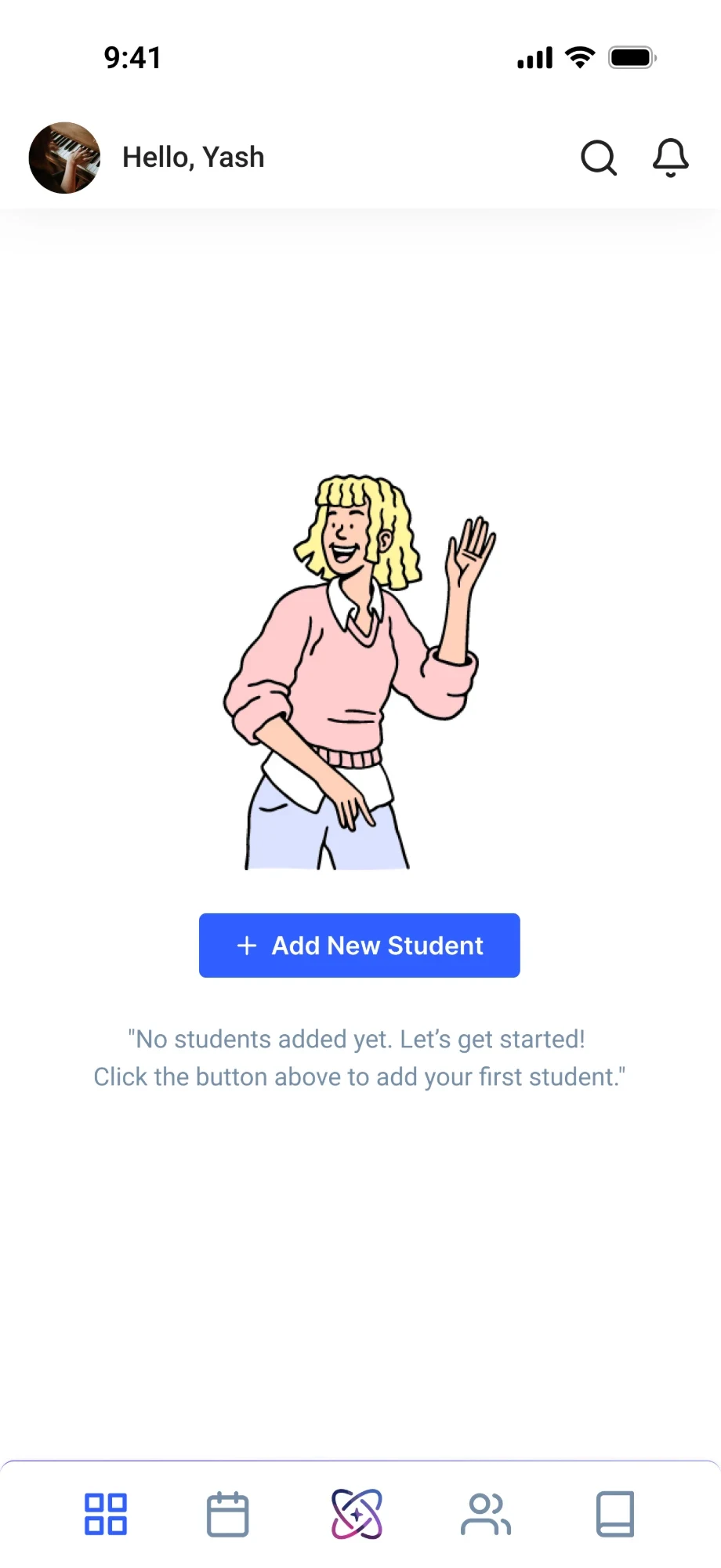
Onboard students and create their profiles
Add a new student in a minute. Save their age, level, instrument and lesson time in one profile you can open whenever you need it.
Track every student's learning journey
Follow each student's progress in technique, reading and posture, lesson by lesson, so you always know what to work on next.
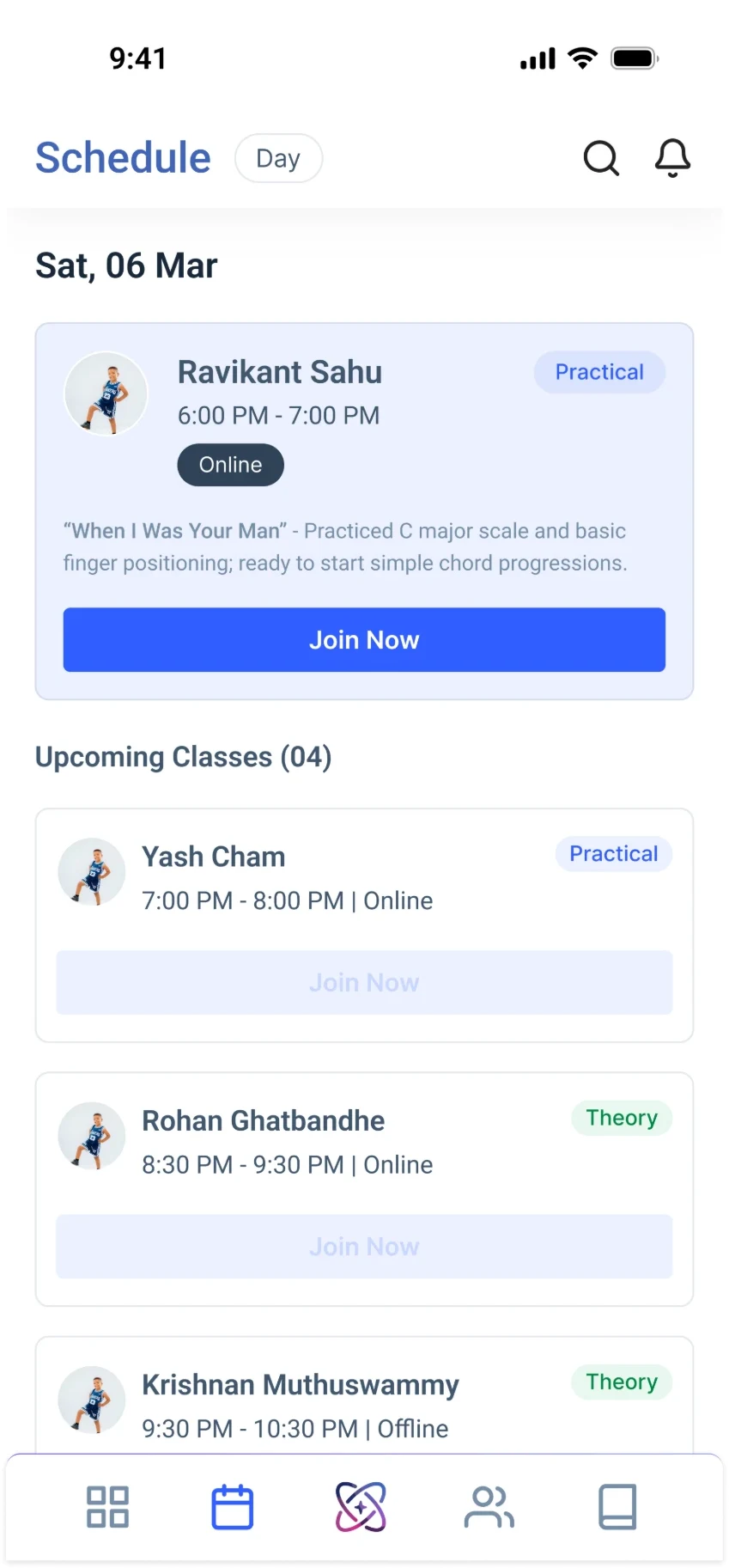
Manage all your students and their classes
See every student and their upcoming classes in one place, and find anyone's profile, lessons and progress in a tap.
Up and running in four steps
- 1
Download
Get Gibble on your phone or tablet from the App Store or Google Play.
- 2
Create Your Profile
Sign up as a teacher and set up your profile with the instruments you teach.
- 3
Add Students
Add each student and create their profile with their level, instrument and lesson times.
- 4
Manage their classes and learning journey
Plan their classes, create lessons and follow their progress, all in one place.
Free to start · iOS & Android · Phone & Tablet
Bring more joy to your classroom.
Download Gibble and set up your first class in under five minutes.